Introduction to AWS S3
Before understanding AWS S3, first, understand what AWS is. AWS stands for Amazon Web Services. It is a cloud computing platform that provides a wide range of services like compute power, database storage, content delivery, etc. AWS is a subsidiary of Amazon that provides on-demand cloud computing platforms and APIs to individuals, companies, and governments, on a metered pay-as-you-go basis.
Let's understand what is cloud storage
What is cloud storage?
Cloud storage is a web service where your data can be stored, accessed, and quickly backed up by users on the internet. It is more reliable, scalable, and secure than traditional on-premises storage systems.
Cloud storage is offered in two models:
- Pay only for what you use
- Pay on a monthly basis
Now, let’s have a look at the different types of storage services offered by AWS.
Types of AWS Storage
AWS offers the following services for storage purposes:
- Amazon S3
- Amazon EBS
- Amazon EFS
- Amazon Glacier
- AWS Storage Gateway
- AWS Snowball
- AWS Snowball Edge
- AWS Snowmobile
| Service | What it is for |
|---|---|
| Amazon S3 | Object storage for files of any type, accessible over the web |
| Amazon EBS | Block storage volumes attached to EC2 instances |
| Amazon EFS | Managed file storage that multiple EC2 instances can share |
| Amazon Glacier | Low-cost archive storage for data you rarely access |
| AWS Storage Gateway | Hybrid storage that connects on-premises systems to AWS storage |
| AWS Snowball | Physical appliance for transferring large amounts of data into and out of AWS |
| AWS Snowball Edge | Snowball with on-board compute for edge workloads |
| AWS Snowmobile | Truck-sized transfer service for exabyte-scale data migrations |
We’ll eventually take an in-depth look at the S3 service. But before we get to that, let’s have a look at how things were before we had the option of using Amazon S3.
Before AWS S3
Organizations have a difficult time finding, storing, and managing all of their data. Not only that, running applications, delivering content to customers, hosting high-traffic websites, or backing up emails and other files required a lot of storage. Maintaining the organization’s repository was also expensive and time-consuming for several reasons. Challenges included the following:
- Having to purchase hardware and software components
- Requiring a team of experts for maintenance
- A lack of scalability based on your requirements
- Data security requirements
These are the issues AWS S3 would eventually solve. So, what exactly is AWS S3?
What is AWS S3?
AWS S3 (Simple Storage Service) provides object storage, which is built for storing and recovering any amount of information or data from anywhere over the internet. It provides this storage through a web services interface. While designed for developers for easier web-scale computing, it provides 99.999999999 percent durability and 99.99 percent availability of objects. It can also store computer files up to 5 terabytes in size.
AWS Buckets and Objects
An object consists of data, a key (assigned name), and metadata. A bucket is used to store objects. When data is added to a bucket, Amazon S3 creates a unique version ID and allocates it to the object.
The object is then reachable at a link address built from the bucket and the key:
https://s3.amazonaws.com/rizwanashiqbucket/folder/penguins.jpg
Login into AWS S3
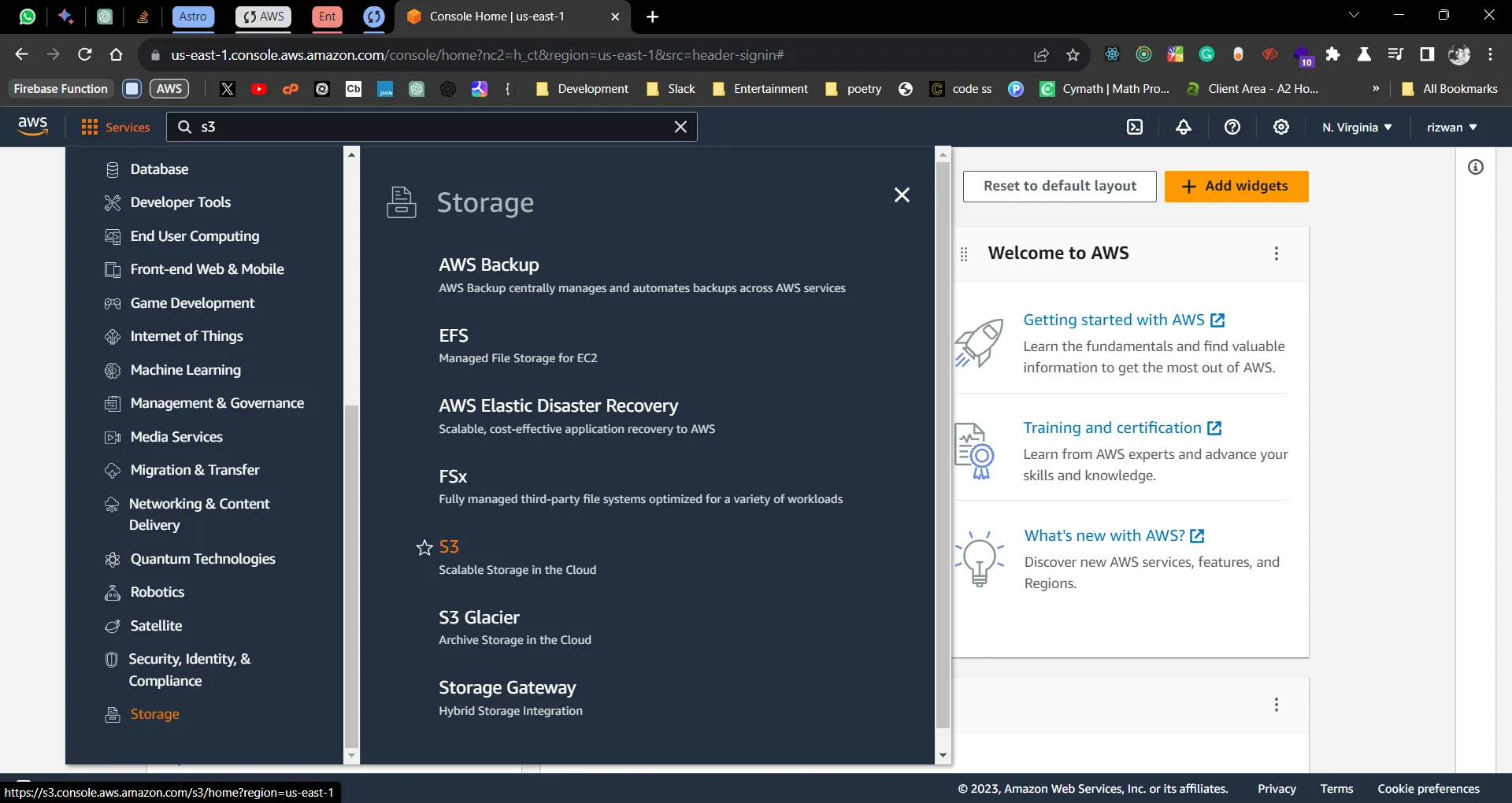
Selecting S3 from Service offerings
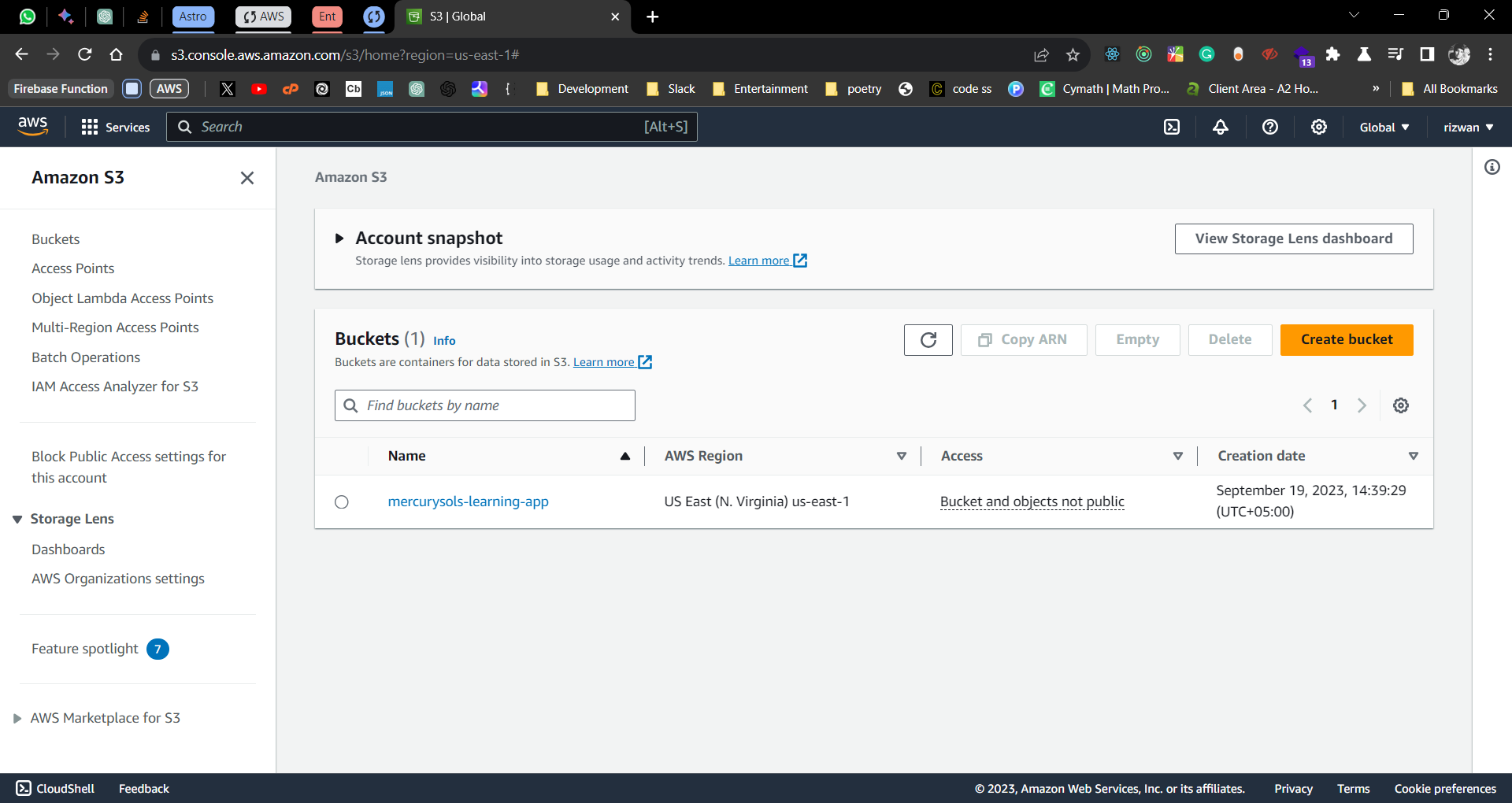
Amazon S3 bucket list (usually empty for first-time users); create a bucket by clicking on the “Create bucket” button
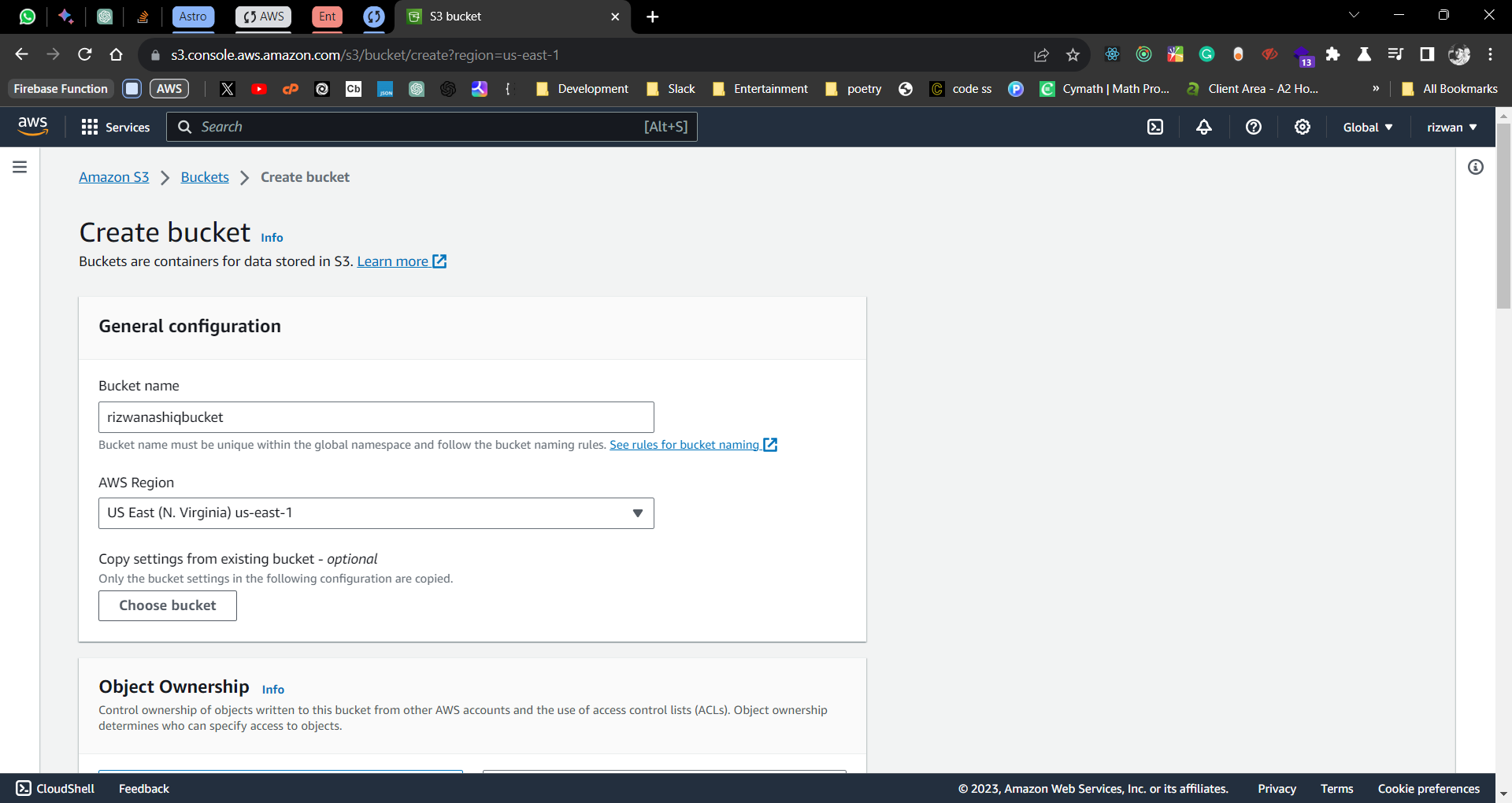
Create a bucket by setting up name, region, and other options; finish off the process by pressing the “Create” button
Bucket created successfully
Select the created bucket
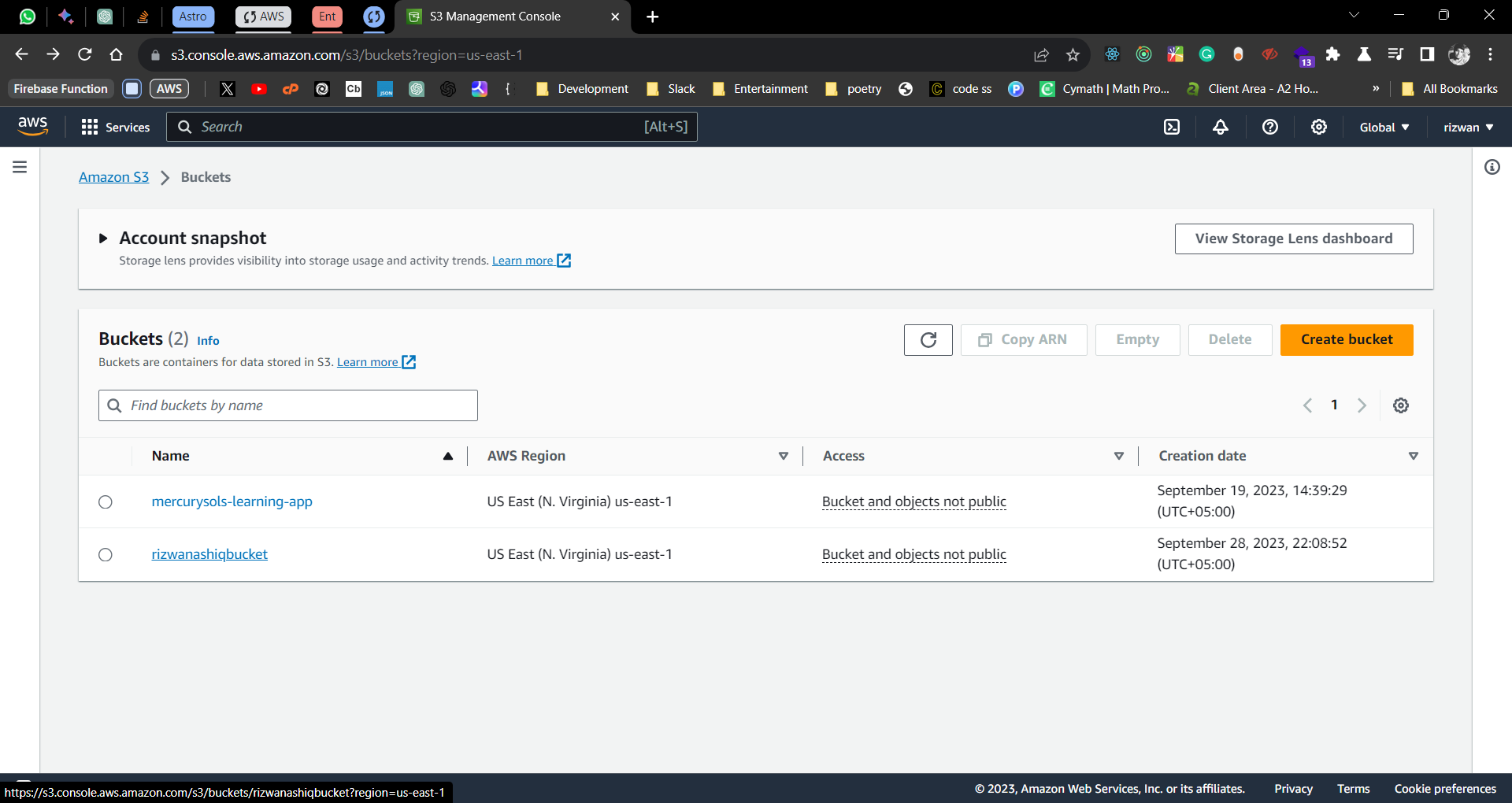
Upload files to the bucket by clicking on the “Upload” button
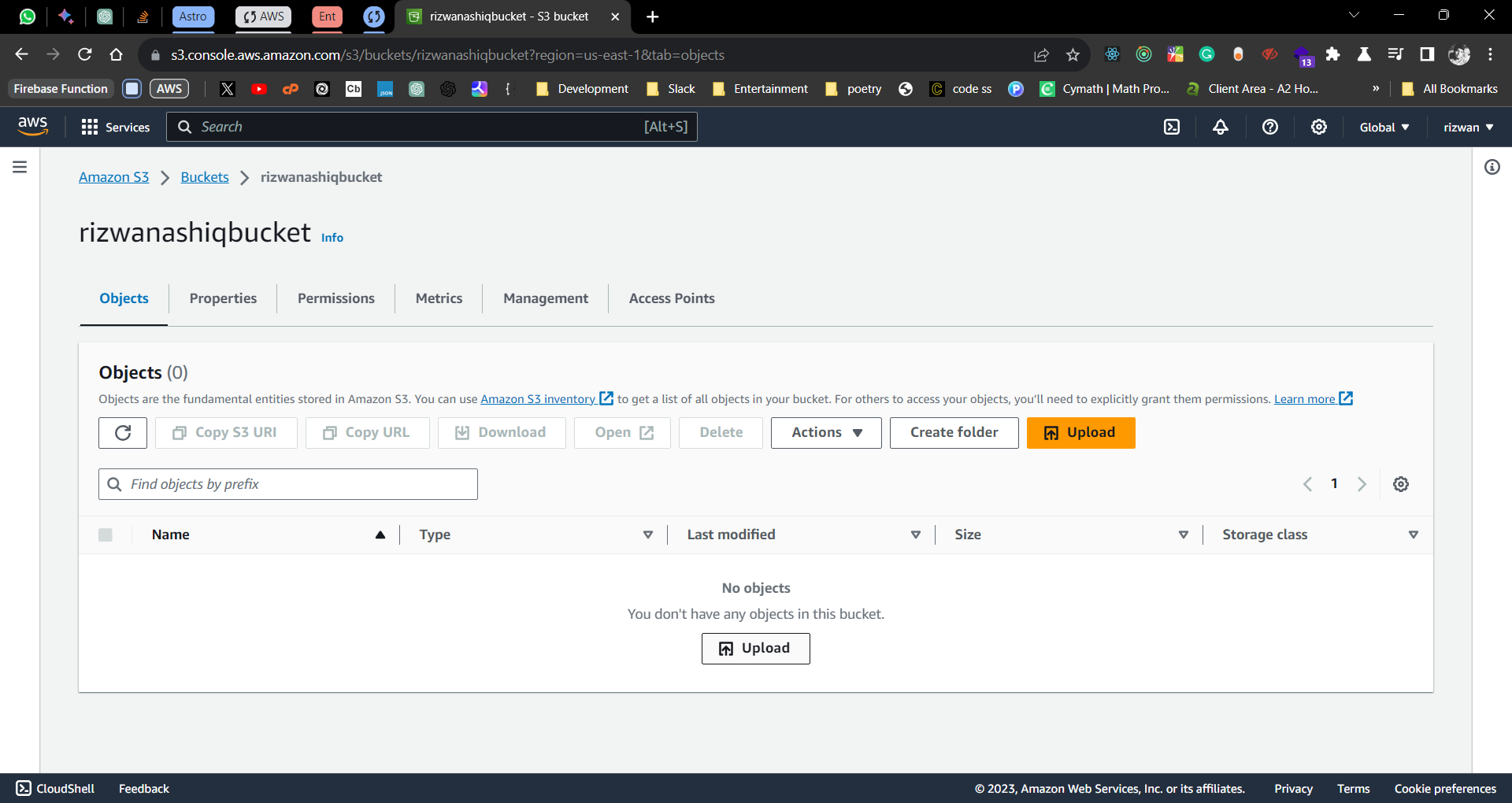
Select the files to be uploaded.
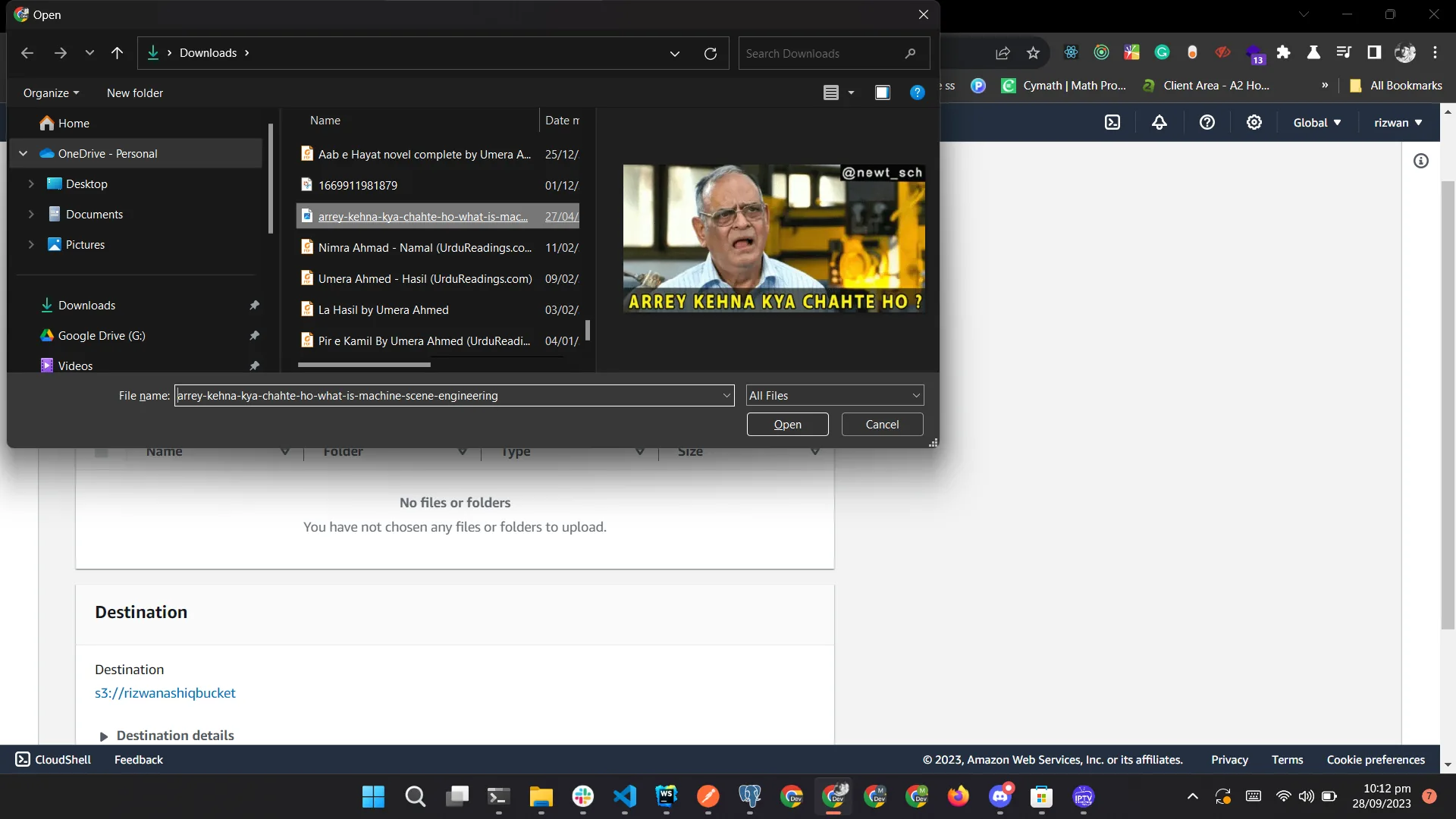
Files uploaded successfully
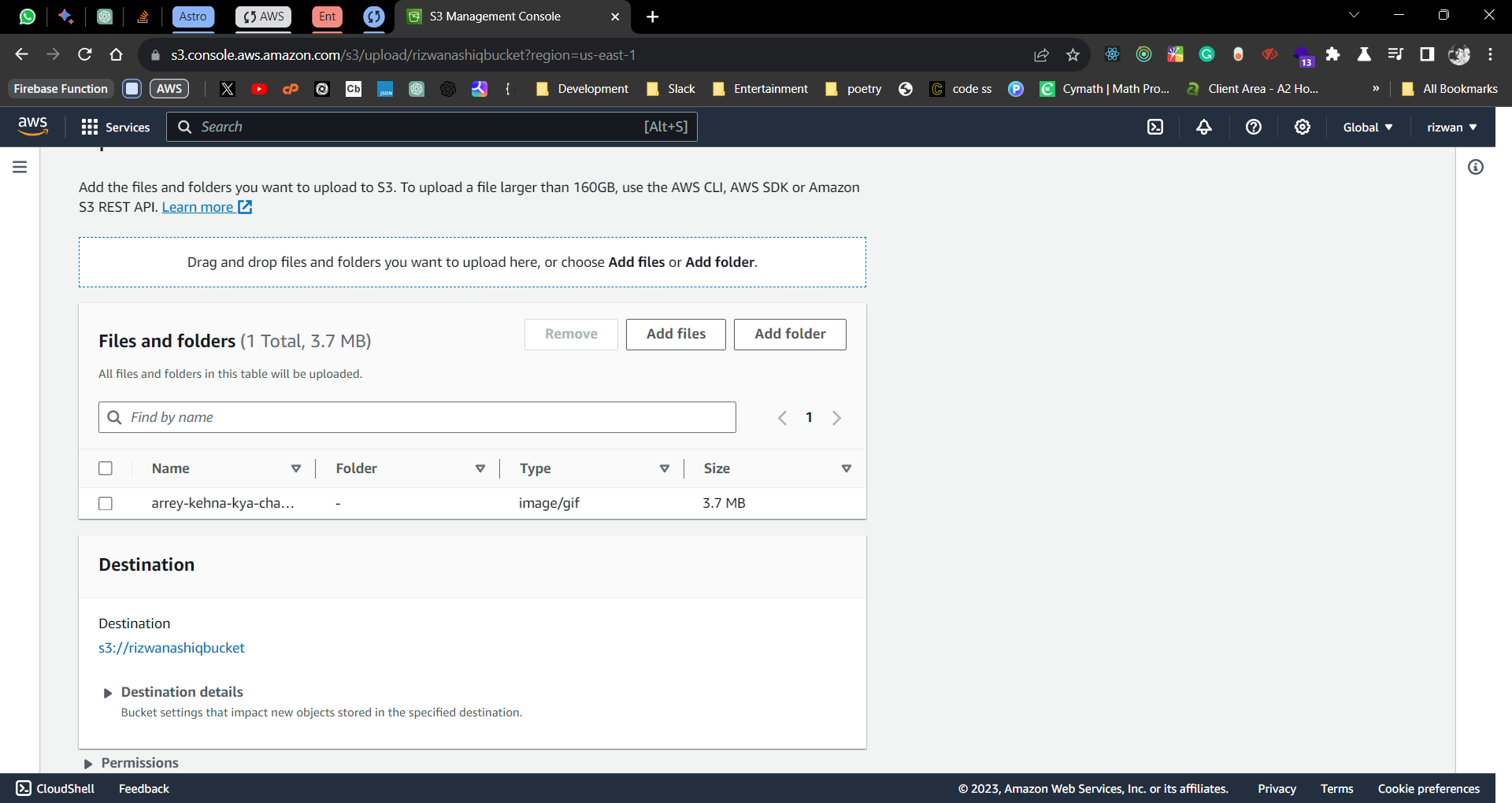
I won't be able to generate the URL for the uploaded files as I have used the default (recommended) settings for the bucket. The default settings are to make the bucket private. This means that the files uploaded to the bucket can only be accessed using pre-signed URLs. I will explain this in detail in the next section. You can change the settings to make the bucket public and then generate the URL for the uploaded files.
Let's now have a look at how AWS S3 works.
How Does AWS S3 work?
As we saw in the example above, first off, a user creates a bucket. When this bucket is created, the user will specify the region in which the bucket is deployed. Later, when files are uploaded to the bucket, the user will determine the type of S3 storage class to be used for those specific objects. After this, users can define features for the bucket, such as bucket policy, lifecycle policies, versioning control, etc.